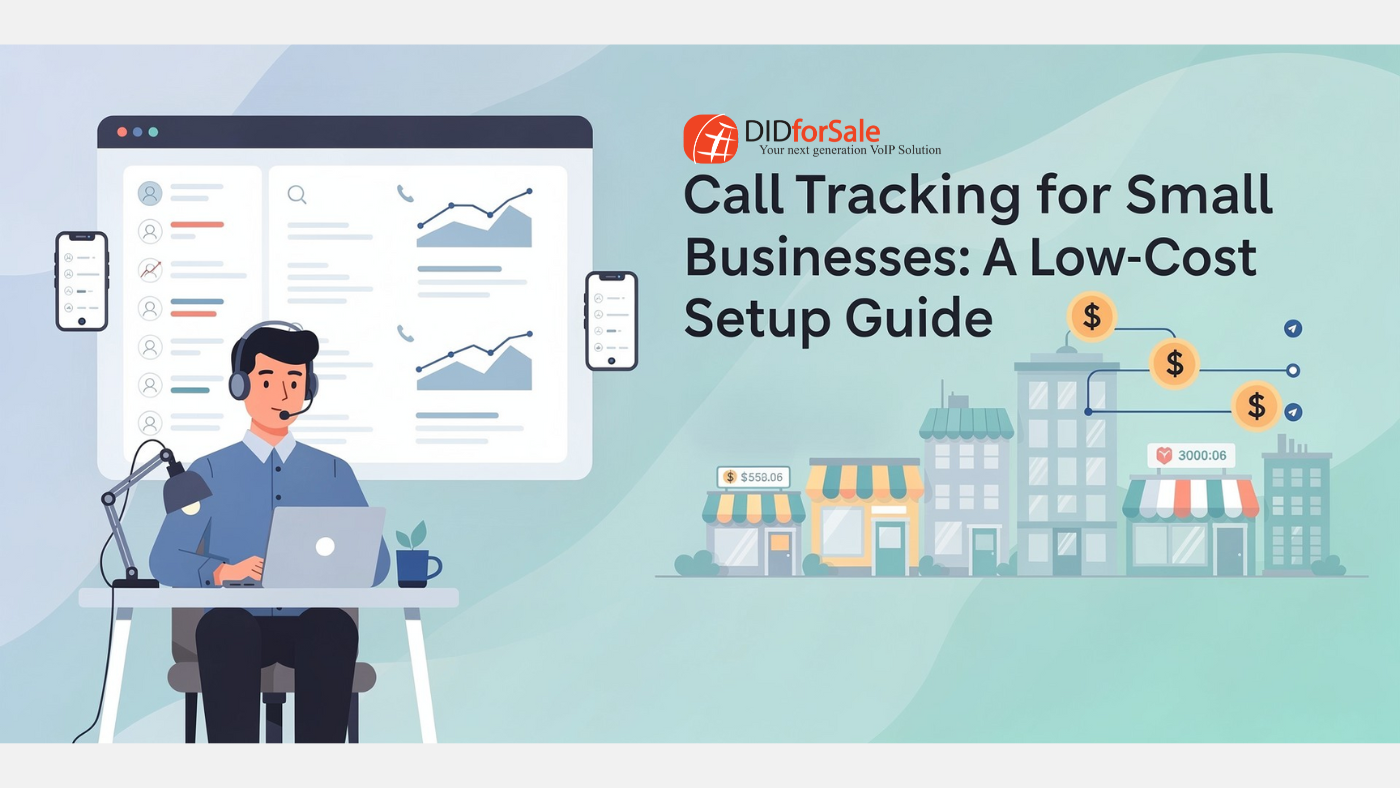
For small businesses, every phone call matters. Whether it’s a new lead, a customer support inquiry, or a sales opportunity, phone calls often represent high-intent prospects. Yet many small businesses still don’t know where their calls come from, which campaigns drive them, or how to optimize their marketing spend.
That’s where call tracking for small businesses becomes a game-changer.
In this guide, we’ll walk you through a low-cost call tracking setup, explain how call tracking works, and show you step by step how to implement it using affordable tools—without enterprise-level budgets or technical complexity.
What Is Call Tracking for Small Businesses?
Call tracking for small businesses is a system that uses unique phone numbers to track incoming calls from different marketing channels such as:
-
Google Ads
-
Website pages
-
Social media campaigns
-
Email marketing
-
Offline ads (flyers, billboards, print ads)
Each source is assigned a unique virtual number. When a customer calls that number, the system records the source, time, duration, and sometimes even the call recording—giving you valuable insights into what’s working.
Why Small Businesses Need Call Tracking
Many small businesses rely heavily on phone calls but still measure success using only clicks or form submissions. This leaves a massive visibility gap.
Here’s why call tracking software for small business is essential:
1. Understand Which Marketing Channels Work
Call tracking shows exactly which campaigns generate phone calls, helping you invest in what delivers real ROI.
2. Improve Lead Quality
Phone calls typically convert better than web leads. Tracking them helps you focus on high-intent customers.
3. Optimize Advertising Spend
Stop wasting money on ads that don’t convert into calls.
4. Train Sales & Support Teams
Call recordings and analytics help improve customer conversations and close rates.
Is Call Tracking Expensive? Not Anymore.
A common myth is that call tracking is expensive and complicated. In reality, modern platforms—especially DID-based solutions—make it accessible and affordable.
With providers like DIDforSale, you can build an affordable call tracking solution using:
-
Low-cost virtual phone numbers (DIDs)
-
SIP or VoIP routing
-
Optional call recording and analytics
-
Flexible pay-as-you-go pricing
No hardware. No long-term contracts.
Call Tracking Setup Guide: Step by Step
Let’s break down how to set up call tracking for your small business in a simple, budget-friendly way.
Step 1: Define Your Call Tracking Goals
Before choosing tools, identify what you want to track:
-
Marketing campaign performance
-
Website traffic sources
-
Sales vs support calls
-
Geographic call distribution
-
Call duration and outcomes
Clear goals help you choose the right call tracking tools for small business without overspending.
Step 2: Choose the Right Call Tracking Numbers
You’ll need virtual phone numbers (DIDs) assigned to different sources.
Examples:
-
One number for Google Ads
-
One for Facebook Ads
-
One for your website homepage
-
One for email campaigns
-
One for offline ads
With DIDforSale, you can purchase local, toll-free, or international numbers at low cost and scale as your business grows.
Step 3: Route Calls to Your Existing Phone System
One of the biggest advantages of modern call tracking implementation is that it works with what you already have.
Calls can be routed to:
-
Mobile phones
-
Desk phones
-
Cloud PBX systems
-
Call centers
-
SIP trunks
Your customers never notice anything different—only you gain visibility.
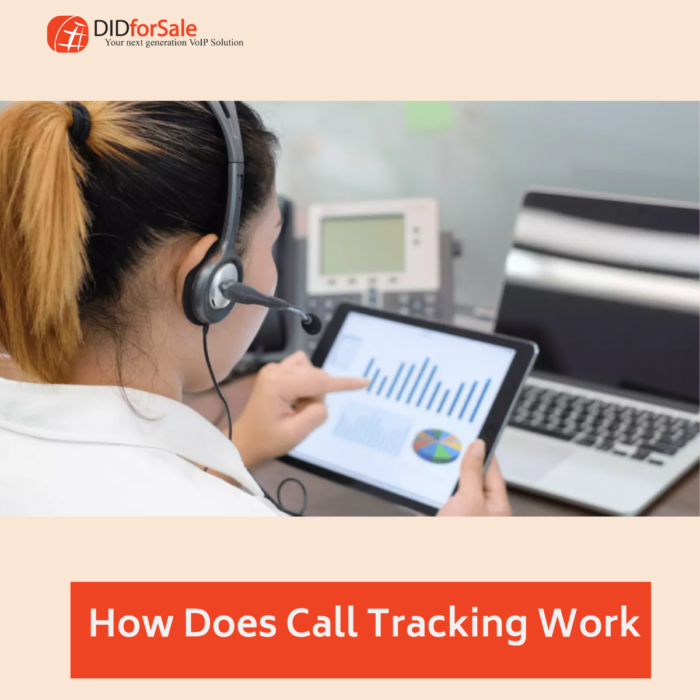
Step 4: Enable Call Analytics & Reporting
At a minimum, your call tracking system should capture:
-
Call source
-
Caller ID
-
Call duration
-
Time and date
-
Answered vs missed calls
Advanced setups may also include:
-
Call recording
-
Call transcription
-
IVR or call tagging
-
CRM integration
This data helps you make smarter decisions without guesswork.
Step 5: Track Calls from Your Website (Dynamic Call Tracking)
For businesses with websites, dynamic number insertion (DNI) is a powerful feature.
How it works:
-
Visitors see different phone numbers based on how they arrived (Google Ads, organic search, social media, etc.).
-
Each call is automatically attributed to its source.
This is one of the most effective call tracking tools for small business websites and doesn’t require complex development.
Step 6: Monitor Performance & Optimize
Once live, review your call reports weekly or monthly:
-
Which channels drive the most calls?
-
Which campaigns produce longer calls?
-
Which times of day generate high-quality leads?
Use these insights to:
-
Increase spend on high-performing campaigns
-
Pause underperforming ads
-
Improve sales scripts
-
Adjust business hours or staffing
Common Call Tracking Use Cases for Small Businesses
Call tracking isn’t just for big brands. Here’s how small businesses use it effectively:
Local Service Businesses
Plumbers, electricians, and HVAC companies track calls from Google Ads and local listings.
E-commerce Support Lines
Track customer service calls from website pages and order confirmation emails.
Healthcare & Clinics
Monitor appointment booking calls from online ads and landing pages.
B2B Companies
Measure lead quality from PPC, LinkedIn, and outbound campaigns.
Choosing Affordable Call Tracking Software for Small Business
When evaluating call tracking software for small business, look for these essentials:
-
Low-cost virtual numbers
-
Flexible call routing
-
Real-time analytics
-
Scalability
-
API or SIP compatibility
-
No long-term contracts
DIDforSale enables businesses to build a custom, affordable call tracking solution using carrier-grade infrastructure—without paying for bloated features you don’t need.
Call Tracking Best Practices for Small Businesses
To get the most out of your setup:
-
Start small—track your top 3 marketing channels first
-
Use consistent naming for numbers and campaigns
-
Review reports regularly, not just once
-
Combine call tracking with CRM or sales notes
-
Optimize based on call outcomes, not just volume
Remember, call tracking is not just about numbers—it’s about smarter growth.
Why DIDforSale Is Ideal for Call Tracking Implementation
DIDforSale offers the building blocks small businesses need for call tracking step by step, including:
-
Affordable DIDs across multiple countries
-
Reliable SIP & VoIP routing
-
Scalable infrastructure
-
Full control over call flow
-
Ideal for resellers, startups, and SMBs
You only pay for what you use, making it perfect for businesses that want insights without overspending.
Final Thoughts
Call tracking for small businesses is no longer a luxury—it’s a necessity in a competitive market where every call counts. With the right strategy and an affordable provider, you can set up call tracking in days, not months.
By following this call tracking setup guide, small businesses can gain clarity, improve marketing ROI, and make smarter decisions—without breaking the budget.
If you’re looking for a flexible and affordable call tracking solution, DIDforSale gives you the tools to build, track, and grow—one call at a time.
Related Blogs
Privacy & Compliance in Toll-Free Call Tracking: What You Must Know
Account-Based Marketing Enhanced: How Call Tracking Boosts Lead Scoring and Conversions
The Role of AI in Modern Call Tracking Solutions