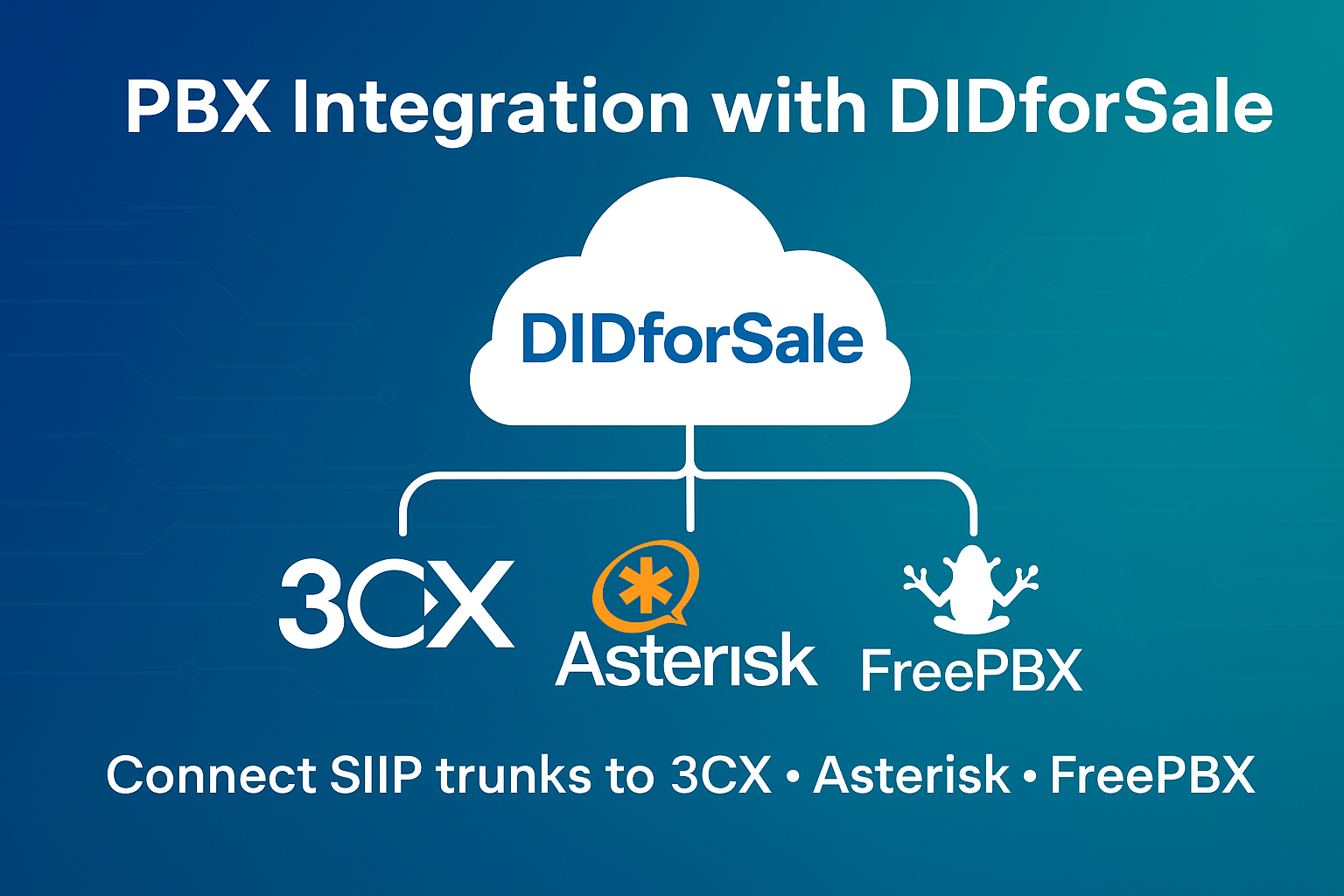
Modern businesses rely on smart, flexible phone systems that scale with their needs. Whether you’re running a call center, supporting remote teams, or powering customer service lines, your PBX platform plays a critical role in communication. But to receive and make external calls, your PBX must connect to a reliable SIP trunk provider — and that’s where PBX integration becomes essential.
With DIDforSale, businesses can seamlessly connect SIP trunks to 3CX, Asterisk, or FreePBX, ensuring high-quality calling, cost-efficiency, and secure telecom operations. The good news? The setup isn’t complicated when you know the right configuration steps. This guide walks you through how PBX integration works and what to expect during setup on the most popular platforms.
What Is PBX Integration — and Why Does It Matter?
PBX integration refers to connecting your internal phone system (PBX) to the outside telephone network through SIP trunking. Instead of costly analog lines or PRI circuits, SIP trunks allow voice communication to travel over the internet, offering:
✔ Lower monthly telecom costs
✔ Unlimited scalability
✔ Better call quality and uptime
✔ Access to virtual phone numbers from anywhere in the world
Businesses that complete a proper telecom system setup gain the flexibility to add users, manage call routing, support hybrid teams, and deliver consistent customer experiences without investing in expensive hardware.
Why Choose DIDforSale for PBX Integration?
Businesses choose DIDforSale because the platform is designed for seamless compatibility with leading PBX systems including 3CX, Asterisk, and FreePBX. Some of the most valued benefits include:
🔹 100% SIP-compliant trunking
🔹 Local, toll-free, and vanity numbers across the U.S. and internationally
🔹 Simple online portal for number and routing management
🔹 HD call quality and enterprise-grade uptime
🔹 Affordable pay-as-you-grow pricing
Whether you’re a business owner, IT administrator, or telecom reseller, DIDforSale takes the complexity out of business phone system integration.
How to Connect SIP Trunk to 3CX
DIDforSale is fully compatible with the 3CX platform, making configuration smooth and quick.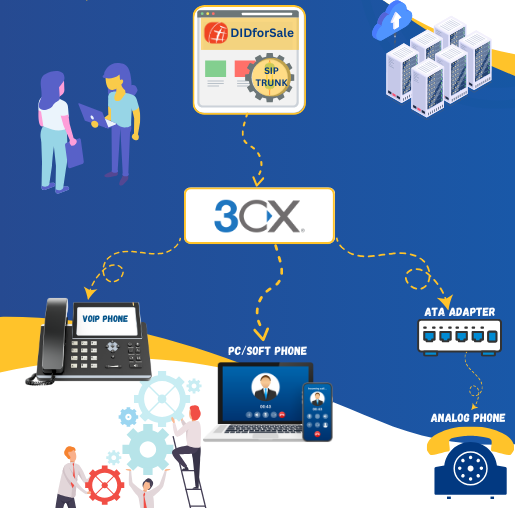
Basic Steps
1️⃣ Log into your 3CX Management Console
2️⃣ Navigate to SIP Trunks → Add SIP Trunk
3️⃣ Search for or add DIDforSale as the provider
4️⃣ Enter trunk credentials (SIP server, username, password)
5️⃣ Assign inbound DID numbers and routing logic
6️⃣ Configure outbound calling rules
Best Practices
-
Ensure firewall ports for SIP and RTP are open
-
Enable STUN and proper NAT settings for remote users
-
Set codecs to G.711 for HD call quality
Following this connect SIP trunk to 3CX workflow ensures fast provisioning and secure communication from day one.
FreePBX SIP Trunk Guide — Step-by-Step
FreePBX continues to be a top choice for open-source enthusiasts and businesses who want full control of call flows. Integrating DIDforSale with FreePBX is straightforward.
Configuration Steps
1️⃣ Go to Connectivity → Trunks → Add SIP Trunk
2️⃣ Enter trunk name and DIDforSale SIP details
3️⃣ Copy and paste registration string from the DIDforSale portal
4️⃣ Configure PJSIP settings
5️⃣ Add inbound and outbound routes
Helpful Suggestions
-
Set max channels based on business needs
-
Use SRTP and TLS for encrypted calling
-
Enable call failover for business continuity
With this FreePBX SIP trunk guide, you can complete the process in minutes — without telecom expertise.
Asterisk Trunk Setup Made Simple
Asterisk is one of the most powerful and customizable PBX platforms, and DIDforSale integrates with it seamlessly.
Configuration Essentials
1️⃣ Edit the sip.conf file to add SIP provider credentials
2️⃣ Configure register string
3️⃣ Add dial plan rules to extensions.conf
4️⃣ Configure inbound logic for DID assignment
5️⃣ Reload Asterisk modules
Optimization Tips
-
Monitor SIP traffic using
sip set debug peerfor troubleshooting -
Use DNS SRV for automatic routing to DIDforSale servers
-
Set low latency codecs for call centers and high-volume call operations
A well-designed Asterisk trunk setup gives businesses the power and flexibility to tailor their phone system with complete control.
Which PBX Platform Should You Choose?
All three PBX platforms — 3CX, FreePBX, and Asterisk — work flawlessly with DIDforSale SIP trunking. The right choice depends on your business goals:
| Business Need | Best Fit |
|---|---|
| Easy-to-use interface & minimal maintenance | 3CX |
| Open-source with GUI controls | FreePBX |
| Full custom control & scripting flexibility | Asterisk |
Regardless of the platform, DIDforSale ensures smooth PBX integration along with expert configuration assistance whenever needed.
Common Issues During Telecom System Setup — and How to Avoid Them
Most PBX challenges come from configuration oversights rather than compatibility. Here are the most common causes and solutions:
| Issue | Solution |
|---|---|
| One-way audio | Check NAT and RTP port forwarding |
| Calls not registering | Verify SIP credentials and firewall rules |
| Dropped calls | Enable failover routing |
| Poor audio quality | Prioritize G.711 codec; avoid bandwidth overload |
DIDforSale support can provide test numbers and live setup assistance to ensure everything works properly before going live.
Final Thoughts
Integrating your PBX with the right SIP trunk provider determines your communication efficiency, call quality, and scalability. DIDforSale eliminates complexity and brings full compatibility with 3CX, Asterisk, and FreePBX, making it easier than ever to deploy a reliable business phone system.
Whether you’re setting up a new system or migrating from legacy telephony, DIDforSale provides the telecom infrastructure, phone numbers, and support to help your business grow — one call at a time.