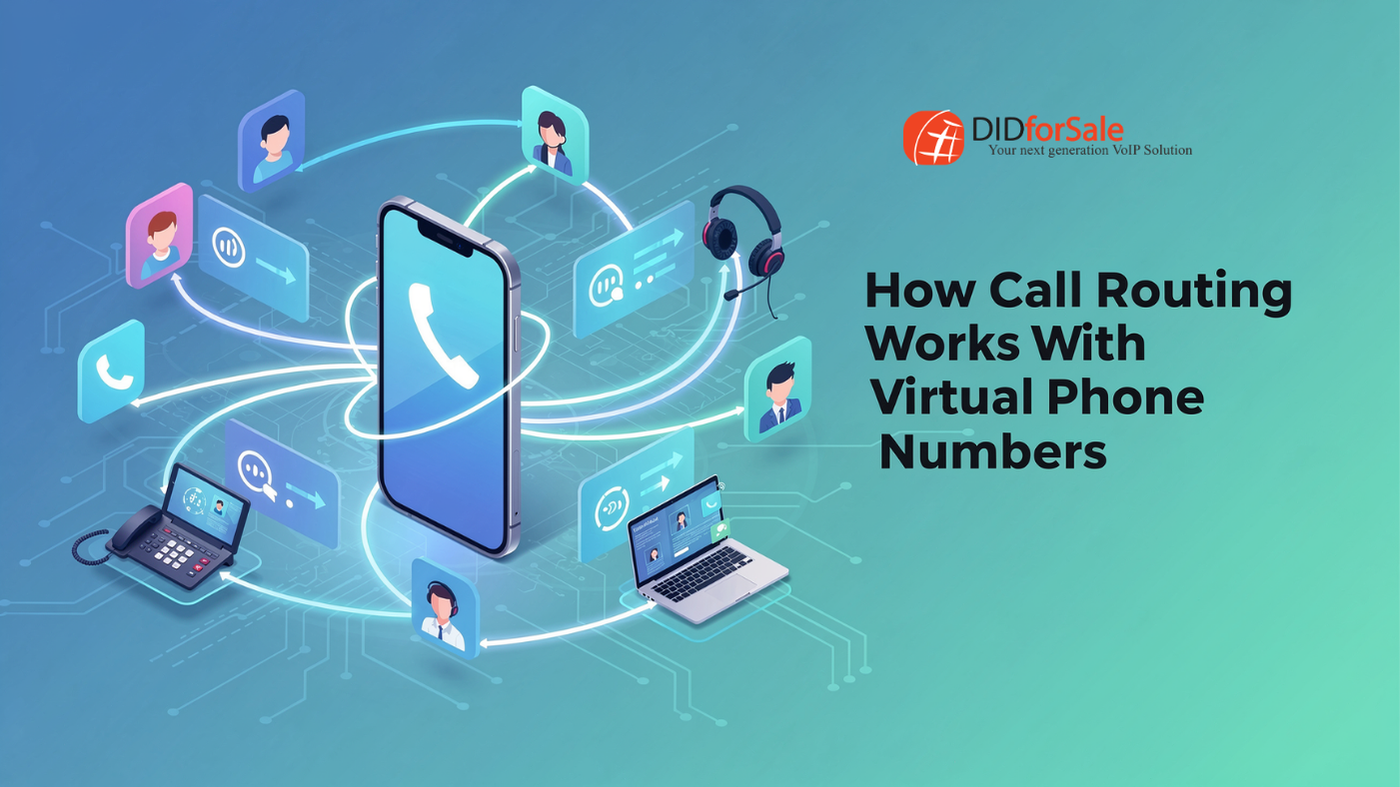
If your business phone rings and nobody knows who should pick it up, you don’t have a phone system — you have chaos with a dial tone. That’s where virtual phone number call routing comes in. It’s the invisible traffic controller behind every professional business line, deciding exactly who a call goes to, when, and in what order.
Whether you’re a five-person startup or a growing call center, understanding call routing for virtual numbers helps you choose the right setup — and stop losing customers to missed calls, long hold times, or calls landing in the wrong department.
Let’s break down exactly how it works.
What Is Virtual Phone Number Call Routing?
Virtual number call routing is the process of automatically directing incoming calls to the right person, team, or location based on rules you set in advance. Unlike a traditional landline tied to a single desk phone, a virtual number lives in the cloud. That means calls can be routed to any device — a mobile phone, a desk extension, a laptop softphone, or even a call center agent halfway across the country.
Because the routing logic sits in the cloud rather than in physical hardware, businesses get flexibility that legacy phone systems simply can’t match. You can change routing rules in minutes, not weeks, and adjust them based on time of day, caller location, department, or agent availability.
This is the foundation of modern business call routing — and it’s why so many companies are ditching traditional PBX systems in favor of virtual numbers.
Why Call Routing Matters for Your Business
Before diving into the routing types, it’s worth asking: why does this matter?
Every missed call is a potential missed sale, a frustrated customer, or a lead who calls your competitor next. Smart routing keeps you reachable, organized, and professional — even if your “office” is actually five people working from four different cities.
Here’s what good routing delivers:
- Faster response times, which improve customer satisfaction
- Fewer dropped or unanswered calls
- A more professional caller experience, regardless of company size
- Better call distribution across teams, reducing burnout
- Continuity during outages, holidays, or after-hours periods
Now let’s look at the specific routing strategies that make this possible.
Simultaneous Ringing
Simultaneous ringing does exactly what it sounds like: when a call comes in, it rings multiple phones at once. That could mean your desk phone, your cell phone, and your laptop app all ring simultaneously.
Whoever picks up first answers the call. The rest of the devices stop ringing automatically.
This method is ideal for small teams or solo entrepreneurs who don’t want to miss a call just because they stepped away from their desk. It also works well for urgent departments — like sales or emergency support — where speed matters more than call order.
Best for: Small businesses, sales teams, and anyone who wants the fastest possible answer time.
Sequential Ringing
Sequential ringing takes a more orderly approach. Instead of ringing every device at once, it rings phones one at a time, in a specific order you define.
For example, a call might first ring the front desk. If nobody answers within a set number of rings, it moves to the office manager’s cell phone. If that goes unanswered too, it rolls to a backup employee — and so on down the list.
This type of virtual phone call routing is useful when you want a clear hierarchy of who should answer first, second, and third — without overwhelming everyone with a call at once.
Best for: Businesses with a defined chain of responsibility, like customer support escalation or executive assistants screening calls for leadership.
Department Routing
As businesses grow, “answer whoever’s free” stops being a strategy — and department routing takes over.
With this setup, callers are typically greeted by an auto-attendant (“Press 1 for Sales, Press 2 for Support…”) and routed directly to the appropriate team based on their selection. No more transferring calls manually or apologizing for the wrong department picking up.
Department routing is one of the most common forms of intelligent call routing because it reduces internal transfers, cuts down on caller frustration, and ensures the right specialist handles the right issue from the very first ring.
Best for: Growing companies with multiple departments — sales, billing, support, HR — that need to separate call traffic efficiently.
Time-Based Routing
Not every call happens during business hours, and not every routing rule should apply 24/7. Time-based routing automatically changes how calls are handled depending on the time of day, day of the week, or holiday schedule.
For example:
- During business hours, calls ring your support team directly.
- After hours, calls roll to voicemail or an answering service.
- On holidays, callers hear a custom greeting with adjusted hours.
This form of virtual number call routing ensures customers always get an appropriate response — even if that response is simply “we’re closed, here’s when we’ll be back” instead of endless, unanswered ringing.
Best for: Businesses with set hours that want a polished experience around the clock, including nights, weekends, and holidays.
Geographic Routing
Geographic routing directs calls based on the caller’s location — usually determined by their area code — to the nearest or most relevant office, agent, or department.
This is especially valuable for businesses with multiple locations or regional teams. A customer calling from Texas gets routed to your Texas office; a customer calling from New York connects with your New York team. It creates a local, personalized experience even if your company operates nationally.
Geographic routing is also a smart move for businesses using local virtual phone numbers in multiple area codes, since it keeps the caller experience consistent with the number they dialed.
Best for: Multi-location businesses, franchises, and companies serving distinct regional markets.
Failover Routing
Even the best-run businesses face outages, staffing gaps, or unexpected surges in call volume. Failover routing exists for exactly that scenario.
If a call can’t be answered through the primary path — because a line is busy, a device is offline, or an entire office loses connectivity — the system automatically reroutes the call to a backup number, team, or voicemail box. Nothing gets lost in the shuffle.
Think of failover routing as your business’s safety net. It’s not something you’ll notice on a normal day, but it’s invaluable the moment something goes wrong.
Best for: Any business that can’t afford dropped calls during outages, high call volume, or unexpected downtime.
Choosing the Right Call Routing Strategy
Most businesses don’t rely on just one type of routing — they combine several. A typical setup might use department routing to sort calls by team, time-based routing to handle after-hours traffic, and failover routing as a backup if a line goes down.
The beauty of virtual phone number call routing is its flexibility. You’re not locked into rigid, hardware-based rules. You can adjust routing logic as your business grows, add new rules for new departments, and fine-tune everything from a simple online dashboard.
Final Thoughts
Call routing isn’t just a technical feature — it’s a direct reflection of how well your business handles its customers. Simultaneous ringing gets calls answered fast. Sequential ringing keeps things orderly. Department and geographic routing get callers to the right place. Time-based and failover routing make sure no call ever falls through the cracks.
With DIDforSale, setting up smart, reliable call routing doesn’t require a huge IT investment or complicated hardware. It just requires the right virtual number strategy — one built around how your team actually works.
Ready to make sure every call reaches the right person, every time? Explore how DIDforSale’s virtual phone numbers can put intelligent call routing to work for your business.
Related Blog