You open your Monday morning report. Leads came in from Chicago, Houston, and Phoenix — but which campaign drove which call? Which location is crushing it, and which one is quietly bleeding your ad budget dry?
If you’re running a multi-location business and you can’t answer that question in under 30 seconds, you have a tracking problem.
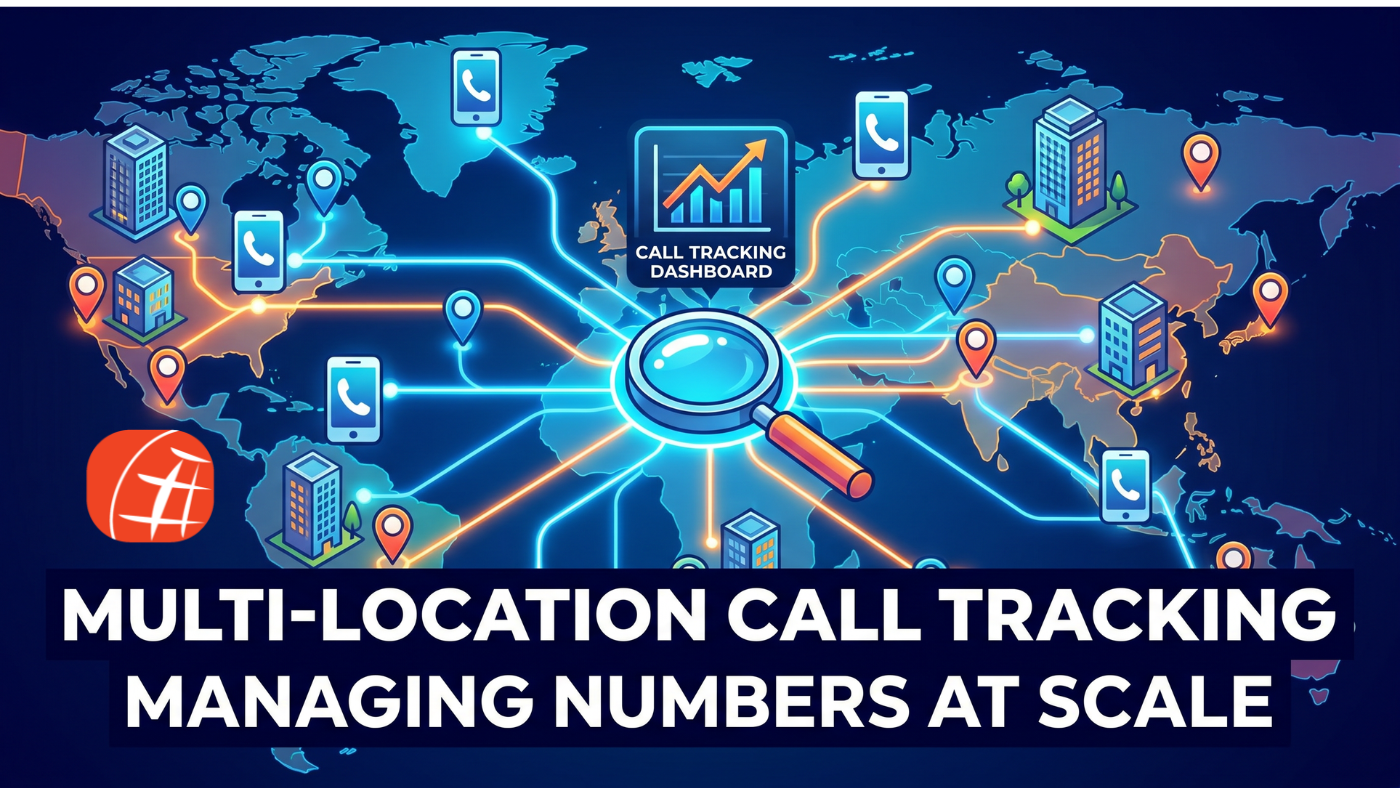
Call tracking for multi-location businesses isn’t just a “nice to have” anymore. It’s the operational backbone that separates businesses that scale smartly from those that throw money at marketing and hope for the best. In this guide, we’ll break down exactly how to manage call tracking numbers at scale — and why DIDforSale is the call tracking solution businesses trust when the stakes are high.
Why Multi-Location Businesses Struggle With Call Attribution
Here’s the reality: the bigger your footprint, the messier your data gets.
A single-location business can get away with one tracking number and a basic analytics setup. But the moment you’re operating across five, ten, or fifty locations, everything changes. You’re dealing with:
- Multiple ad campaigns running simultaneously across different markets
- Different local audiences with different search behaviors
- Separate landing pages for each location
- Staff at each branch who need their own direct lines
- Regional managers who need visibility into their specific territory — not the whole company
Without a robust system for call attribution across multiple locations, you end up with blended data that tells you very little. You know calls are coming in. You just don’t know where they’re coming from, which campaign triggered them, or which location is actually converting.
That’s not data. That’s noise.
The Foundation: Local Phone Numbers for Every Location
The first step toward clean call attribution is deceptively simple — every location needs its own dedicated, trackable number.
Local phone numbers for multiple locations do two powerful things at once. First, they build trust. Studies consistently show that consumers are more likely to call a local number than a toll-free or out-of-state one. A Chicago customer wants to see a 312 area code, not an 800 number that could route to a call center in another time zone.
Second, local numbers create a clean data boundary. When a call comes in on a specific number, you know exactly which location, which campaign, and often which keyword or channel triggered it. No guesswork. No blended reporting.
With DIDforSale, you can provision local DID numbers across hundreds of area codes instantly. Whether you’re managing 5 locations or 500, you can assign unique numbers to each branch, each campaign, and each traffic source — all from a single platform.
Dynamic Number Insertion: The Smartest Way to Track Digital Campaigns
Dedicated static numbers handle your offline and direct traffic beautifully. But what about your paid search, SEO, and display campaigns?
That’s where dynamic number insertion for multi-location businesses becomes a game-changer.
Here’s how it works: instead of displaying a fixed phone number on your website, DNI dynamically swaps the number based on how a visitor arrived. A visitor who clicked your Google Ads campaign in Dallas sees a different number than someone who found your Houston location through organic search. Each unique visitor session gets a unique number, and every call is tied back to the exact source, medium, campaign, and keyword that drove it.
For multi-location businesses, DNI solves one of the most persistent attribution headaches in digital marketing. You can run geo-targeted campaigns for each location, display location-specific numbers to visitors, and know — with certainty — which marketing dollars are generating real phone conversations.
DIDforSale’s platform supports dynamic number insertion at scale, giving you the infrastructure to deploy DNI across all your location pages without a complex technical setup.
How to Manage Call Tracking Numbers at Scale Without Losing Your Mind
When you’re dealing with hundreds of numbers across dozens of locations, organization isn’t optional — it’s survival.
Here’s a practical framework to manage call tracking numbers at scale:
1. Organize by hierarchy. Structure your numbers by region, then location, then campaign. This mirrors how your business operates and makes reporting intuitive for everyone from the CMO to the regional manager.
2. Use consistent naming conventions. A number labeled “Chicago-Lincoln Park-Google Ads-Brand” is infinitely more useful than “Number 47.” Build a naming system and enforce it from day one.
3. Set routing rules at the location level. Each location should have its own call routing logic — business hours, overflow rules, after-hours voicemail, and escalation paths. DIDforSale’s platform lets you configure all of this per number, so your Chicago branch behaves differently than your Phoenix branch if your operations require it.
4. Audit your number inventory regularly. Numbers tied to paused campaigns or closed locations are wasted spend. Schedule quarterly audits to retire inactive numbers and reallocate them.
5. Centralize reporting without losing local visibility. Your CEO needs company-wide call volume trends. Your Houston manager needs Houston-specific data. A good call tracking solution delivers both — aggregate dashboards at the top, granular location-level reports underneath.
Call Attribution Across Multiple Locations: Turning Data Into Decisions
Tracking calls is step one. Turning that data into smarter business decisions is where the real value lives.
With solid call attribution across multiple locations, you can answer questions like:
- Which locations have the highest call-to-close rates?
- Which campaigns drive the most qualified calls versus junk calls?
- What time of day do calls peak in each market — and are you staffed accordingly?
- Are certain locations missing calls after hours, and what’s that costing you in lost revenue?
DIDforSale’s call analytics give you access to call recordings, duration data, caller ID, geographic data, and campaign attribution — all in one place. You’re not just counting calls. You’re understanding the full customer journey from first click to first conversation.
Why DIDforSale Is the Call Tracking Solution Built for Scale
There are plenty of call tracking tools designed for small businesses with one location and a modest ad budget. DIDforSale is built for something different.
When you’re managing call tracking for multi-location businesses you need a solution that can:
✅ Provision and manage thousands of DID numbers across every major area code ✅ Support dynamic number insertion without heavy developer involvement ✅ Deliver real-time analytics with location-level granularity ✅ Integrate with your existing CRM and marketing stack ✅ Scale with you as you open new locations — without rebuilding your setup from scratch
DIDforSale combines carrier-grade reliability with an enterprise-ready platform, so you never have to worry about dropped calls, number provisioning delays, or data gaps in your reporting.
Stop Guessing. Start Knowing.
Every day you operate without proper call tracking for multi-location businesses is a day you’re making marketing decisions based on incomplete information. You’re either over-investing in channels that don’t convert, or you’re pulling budget from campaigns that are quietly driving your best customers — and you don’t even know it.
The businesses winning in competitive local markets aren’t just spending more. They’re tracking smarter, attributing accurately, and optimizing relentlessly.
DIDforSale gives you the infrastructure to do exactly that — at any scale, across any number of locations.
Ready to take control of your call data? Get started with DIDforSale today and see how easy it is to deploy a complete call tracking solution across all your locations.
Related blogs